

Practical guide: Agent Plugins with Supabase
Agent Plugins are a portable way to give AI coding agents both knowledge and access
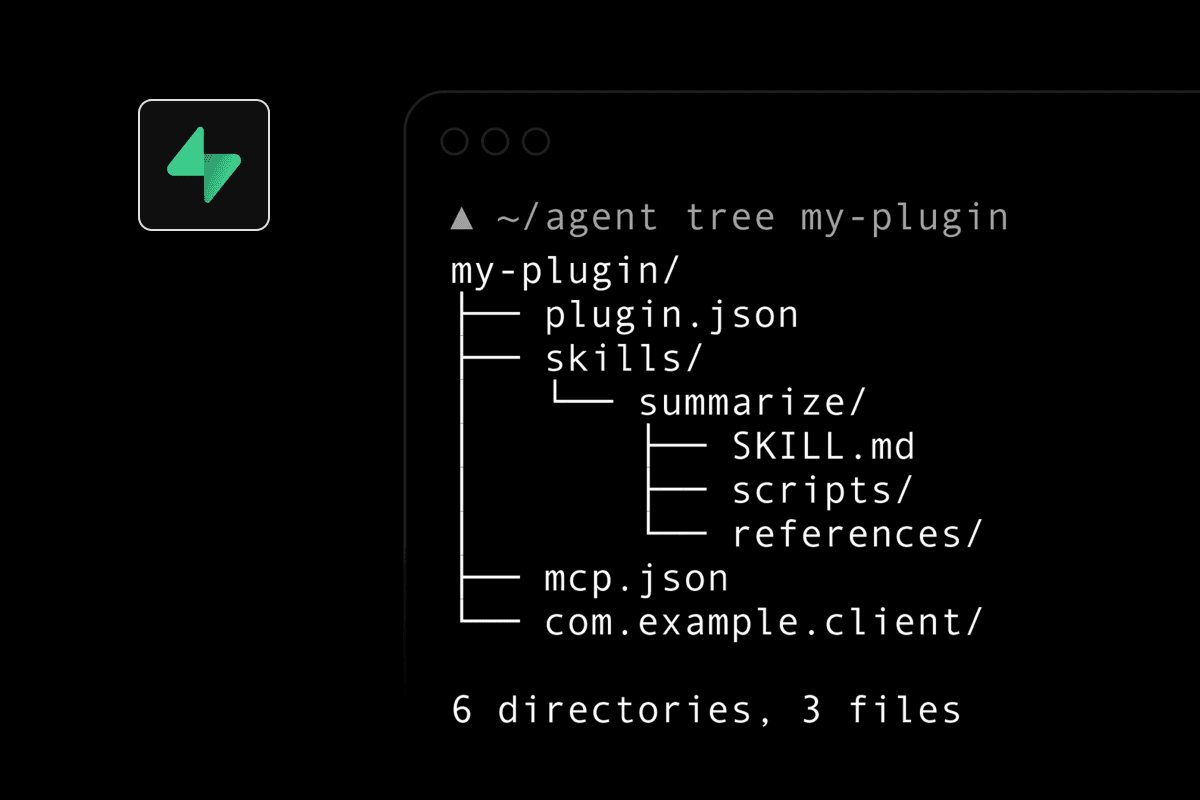
Agent Plugins are a portable way to give AI coding agents both:
- Knowledge, through Agent Skills.
- Access, through MCP servers.
A plugin is simply a folder with a standard structure. Compatible tools such as Cursor, VS Code, GitHub Copilot, ChatGPT and Codex can load the same package without needing separate configurations. Google’s announcement explains the underlying open standard.
The easiest way to use it with Supabase
Supabase already provides an Agent Plugin combining its official MCP server and Supabase-specific skills.
Install it from your project directory:
npx plugins add supabase-community/supabase-plugin
Add --yes to skip confirmation:
npx plugins add supabase-community/supabase-plugin --yes
The installer detects compatible coding agents installed on your machine. Follow its authentication prompt to connect your Supabase account and choose the relevant project.
See the official Supabase plugin instructions.
What the plugin gives your agent
The plugin contains two complementary pieces:
| Component | Purpose |
|---|---|
| Supabase MCP server | Lets the agent inspect and interact with your actual Supabase project |
| Supabase skills | Teaches the agent the recommended way to use Postgres, Auth, RLS, Storage and Edge Functions |
The distinction matters: a skill can tell Cursor how to write a good migration, while MCP lets Cursor inspect your current tables and apply that migration.
How to work with it
Once connected, give the agent outcome-based instructions such as:
Inspect my current Supabase schema and explain how users, profiles and subscriptions are related.
Do not make any changes.
Then move to a controlled implementation:
Create a migration adding a meal_images table.

Requirements:
- Every record belongs to auth.users
- Users may only read, insert and delete their own records
- Include created_at and storage_path
- Show me the migration and RLS policies before applying them
Other useful examples:
Audit every public table for missing or unsafe RLS policies.
Return a report only. Do not change anything.
Generate an Edge Function that receives a Stripe webhook, verifies its signature
and updates the user's subscription status safely.
Explain why this Supabase query is slow, inspect the relevant indexes
and propose a migration. Do not apply it yet.
Compare my local migration files with the remote database and identify drift.
A safe workflow
For Supabase work, I recommend separating inspection from execution:
- Ask the agent to inspect and explain.
- Ask it to propose the SQL or migration.
- Review the generated changes.
- Apply them to a development or preview project.
- Test authentication and RLS as multiple users.
- Commit the migration files.
- Promote the tested migration to production.
Be especially cautious with production projects. Supabase warns that MCP access creates security risks because an agent may be able to query data, execute SQL, manage migrations and deploy functions. Scope the MCP connection to one project whenever possible and use a development project by default. Read the Supabase MCP security guidance.
Installing only the knowledge
If students should receive Supabase guidance without access to a live database, install only the skills:
npx skills add supabase/agent-skills
Or install the main Supabase skill:
npx skills add supabase/agent-skills --skill supabase
Project-level installation is useful for a bootcamp repository because the configuration can travel with the project and be shared by students. Supabase Agent Skills documentation.
What the package looks like internally
A simplified Supabase plugin follows this structure:
supabase-plugin/
├── plugin.json
├── skills/
│   ├── supabase/
│   │   └── SKILL.md
│   └── supabase-postgres-best-practices/
│       └── SKILL.md
└── mcp.json
plugin.json identifies the package, skills/ contains instructions loaded when relevant, and mcp.json defines the live Supabase connection. The standard packages these pieces together, but installation, permissions and approval behaviour remain the responsibility of each coding agent. Agent Plugins specification.