

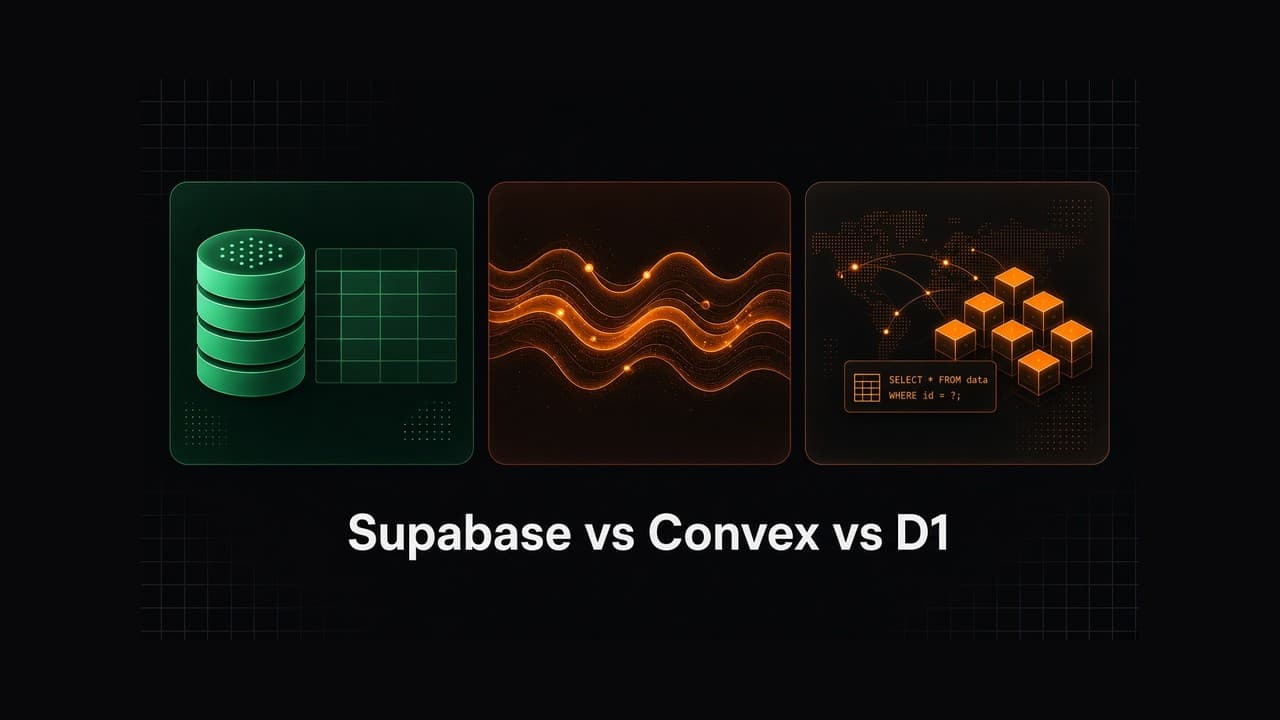
When you're building a web app, mobile app, or an AI agent product, one of the first real decisions is: where does the data live?
Three options keep coming up in 2026 conversations, especially among people shipping with Next.js and AI coding tools:
- Supabase: Postgres-backed backend platform (auth, storage, realtime, edge functions)
- Convex: reactive TypeScript backend where queries stay live by default
- Cloudflare D1: serverless SQLite that lives next to your Workers
They're not interchangeable. They answer different questions. This guide breaks them down in plain English so you can pick with confidence, whether you're shipping your own product or helping a company build theirs.
For beginners, two decision-makers matter as much as the tech: is the UI easy to learn? and is there a big community when you get stuck? On both, Supabase wins by miles.
TL;DR: Which one should you pick?
| If you need… | Pick |
|---|---|
| Beginner-friendly UI that's easy to learn | Supabase |
| The largest community and most tutorials / answers online | Supabase |
| A full backend for a SaaS or product (auth, DB, files, policies) | Supabase |
| Ultra-reactive live UI with end-to-end TypeScript | Convex |
| A lightweight SQL store inside the Cloudflare Workers stack | D1 |
| Portable Postgres you can query, extend, and self-host | Supabase |
| The stack we teach across Buildcamp courses | Supabase |
| Lowest cost for light Workers-native SQL | D1 (Supabase is usually not the price winner) |
Short version: Supabase is the best default for most student and production builders, especially if you're new. The dashboard is beginner-friendly, the learning curve is gentle, and the community is the largest of the three by a long way. Convex shines when live collaboration is the product. D1 is excellent when you're already all-in on Cloudflare Workers and want SQLite at the edge.
What each one actually is
Supabase
Supabase is an open-source backend platform built on PostgreSQL. For beginners, its biggest advantages aren't just technical; they're practical:
- Beginner-friendly UI: a clear dashboard for tables, auth, storage, and policies (you can see and click your way around without living in the terminal)
- Easy to learn: SQL + a visual studio means you build real mental models fast
- Largest community: more tutorials, Stack Overflow answers, Discord help, and course material than Convex or D1
On top of that, you get the full product backend:
- A real relational database (SQL, joins, indexes, extensions like
pgvector) - Built-in auth (email, OAuth, magic links)
- Storage for files and images
- Realtime subscriptions on database changes
- Row Level Security (RLS) so your data rules live in the database
- Edge Functions for server-side logic
- Optional self-hosting if you ever want to leave the cloud product
Think of it as: Firebase-shaped DX, Postgres underneath, with a UI and community that beginners actually thrive in.
Convex
Convex is a reactive backend. You write queries and mutations as TypeScript functions. When data changes, subscribed clients update automatically: no manual cache invalidation, no hand-rolled WebSocket glue.
Great for:
- Collaborative dashboards
- Multiplayer-ish product surfaces
- Apps where "stale data on screen" is a bug
Trade-offs: you're buying into Convex's data model and runtime. There's no general-purpose raw SQL escape hatch like Postgres, and self-hosting isn't a first-class "take my DB elsewhere tomorrow" story the way Postgres is. The community is growing, but it's still much smaller than Supabase's: fewer beginner walkthroughs and fewer "someone already solved this" answers when you're stuck.
Cloudflare D1
D1 is Cloudflare's managed SQLite database, designed to sit next to Workers and Pages.
Great for:
- Edge-first apps already on Cloudflare
- Many small isolated databases
- Simple SQL workloads with Workers binding
Trade-offs: D1 is a database primitive, not a full backend platform. Auth, storage, file uploads, admin policies, and the rest of a product stack are still on you (or other Cloudflare products you wire in). There's no Supabase-style all-in-one beginner dashboard for "my whole backend." It's SQLite semantics, not Postgres: wonderful in the right place, limiting if you need heavy relational features, rich extensions, or a broad SQL ecosystem. Community help exists inside the wider Cloudflare ecosystem, but it isn't a dedicated beginner backend community the way Supabase is.
Head-to-head comparison
| Dimension | Supabase | Convex | Cloudflare D1 |
|---|---|---|---|
| Beginner-friendly UI | Best: visual dashboard for tables, auth, storage, RLS | Code-first TypeScript workflow | Workers/console oriented, not a full product UI |
| Easy to learn | Easiest for most beginners | Easy if you already love TypeScript-only backends | Easy if you already know Workers |
| Community size | Largest by far (docs, tutorials, Discord, courses) | Growing, smaller | Cloudflare-wide, not D1-specific beginner depth |
| Database | PostgreSQL | Document-relational (Convex) | SQLite |
| Query style | SQL + client SDKs | TypeScript functions | SQL via Workers API |
| Auth | Built-in | Integrations / add-ons | Bring your own |
| File storage | Built-in | Built-in file storage | Bring your own (e.g. R2) |
| Realtime | Opt-in channels / Postgres changes | Default reactivity | Not the core product story |
| Row-level security | First-class RLS | Different security model | App-layer / Workers logic |
| Self-host / portability | Strong (Postgres) | Weaker | Cloudflare-coupled |
| Best fit | Full product backends + beginners | Live collaborative apps | Workers-native SQL |
Decision guide: pick by the job
Choose Supabase when…
- You want the most beginner-friendly UI and the easiest learning path
- You want the largest community behind you (tutorials, answers, courses, Discord)
- You're building a real product: users, auth, profiles, payments, files, admin dashboards
- You want SQL skills that transfer to almost any company stack
- You need RLS so security rules aren't scattered across random API routes
- You care about portability (Postgres is an exit ramp)
- You're building web + mobile against the same backend (common with Expo + Next.js)
- You want one platform that covers auth, DB, storage, and functions without stitching five vendors on day one
This is why Supabase shows up across Buildcamp courses. It's the backend that beginners can actually navigate, and the one that teaches how production apps are structured.
Choose Convex when…
- The product is live sync (collaborative editors, shared canvases, always-fresh multiplayer state)
- Your team wants end-to-end TypeScript and is happy living inside Convex's model
- You'd rather not think about cache invalidation at all
Convex is excellent, just narrower. If your app is mostly CRUD + auth + files + occasional realtime, you're paying for reactivity you may not need. And if you're brand new, the smaller community and more code-first workflow usually make Supabase the smoother start.
Choose D1 when…
- Your app already runs on Cloudflare Workers / Pages
- You want SQLite close to the edge with simple SQL
- You're building something lighter than a full multi-feature SaaS backend platform
If you need auth, storage, RLS policies, and a mobile client talking to the same backend, D1 alone isn't the whole answer; it's one piece. Beginners usually feel that gap quickly compared to Supabase's all-in-one dashboard.
A practical "builder" framing
Imagine three students with three projects:
- SaaS blog / project management / agent platform with sign-in, user data, uploads, and an admin panel → Supabase
- Live collaborative whiteboard where every cursor and sticky note must sync instantly → Convex is a strong contender
- Edge API on Workers with a simple per-tenant SQLite DB → D1 fits cleanly
Most people learning to become AI developers, and most companies hiring them, still need the first shape: auth, relational data, policies, files, and deployable product structure. That's Supabase territory. And for beginners, the friendly UI and huge community aren't nice-to-haves; they're why you actually finish the project.
How this shows up in Buildcamp
In our courses you don't just "add a database." You wire a real backend into a shippable app:
- Authentication, tables, storage, and RLS with Supabase
- Edge functions where server-side work belongs
- The same backend patterns on Next.js web apps and Expo mobile apps
- Deploying something customers can actually use
Whether you're shipping your own web app, mobile app, or agent platform, or preparing to help a company build software: learning Supabase gives you a portable mental model: relational data, security policies, and product backends that survive contact with real users. The beginner-friendly dashboard and the size of the community mean you're rarely stuck alone.
Pricing
This is the one place Supabase is not the winner, and that is fine. You should know what you are paying for.
Pricing changes, so treat this as a shape-of-costs snapshot (as of Sep 2026). Always check the live pages before you commit: Supabase pricing, Convex pricing, D1 pricing.
| Supabase | Convex | Cloudflare D1 | |
|---|---|---|---|
| Free / hobby entry | Free plan: 500 MB DB, 50k MAUs, 1 GB storage. Free projects can pause after 1 week of inactivity. Limit of 2 active free projects. | Free & Starter: free tier with usage limits (e.g. 1M function calls, 0.5 GB DB storage, 1 GB file storage on Free). | Workers Free: daily row read/write limits + 5 GB storage included. Scale-to-zero: no query traffic means no D1 compute bill. |
| First paid step | Pro from $25/month per org (plus compute per project; Pro includes $10 compute credits covering one Micro instance). | Professional $25 per developer / month (a 3-person team is $75 before usage). | Workers Paid + D1 usage: included monthly rows, then pay per million rows read/written; storage $0.75 / GB-month after 5 GB. |
| What the money buys | Full platform: Postgres + auth + storage + realtime + dashboard + RLS. | Reactive backend + TypeScript functions + realtime sync. | Database primitive next to Workers (not a full auth/storage platform). |
| Price winner? | Usually not the cheapest once you leave free tier. | Competitive for solo builders; gets pricey with more developers. | Often the cheapest for light Workers-native SQL. |
How to read this as a beginner
- D1 usually wins on raw cost if you already live on Cloudflare Workers and only need SQL at the edge.
- Convex can look cheap for one developer on Free/Starter, but Professional is billed per developer, so teams add up fast.
- Supabase costs more because you are buying an all-in-one product backend (UI, auth, storage, policies, Postgres), not just a database row store.
If your goal is "cheapest possible SQL," D1 (or staying on free tiers carefully) can win. If your goal is "ship a real app without piecing five services together," paying for Supabase is often the better trade, even when it is not the lowest number on the invoice.
Final recommendation
| Goal | Recommendation |
|---|---|
| Beginner-friendly UI + easy to learn | Supabase |
| Largest community and most help online | Supabase |
| Default backend for a student or indie SaaS | Supabase |
| Live-by-default collaborative product | Consider Convex |
| Workers-only edge SQL | D1 |
| Learning backend skills employers recognise | Supabase (Postgres + auth + RLS) |
| Lowest cost / usage-based edge SQL | D1 (Supabase is rarely the cheapest) |
Supabase vs Convex vs D1 isn't about which logo is trendiest. It's about whether you need a full product backend, a reactive TypeScript runtime, or an edge SQLite primitive.
For most builders starting today, especially beginners who want a friendly UI, a gentle learning curve, and the largest community behind them. Supabase is the one to learn deeply.